In the rapidly evolving digital landscape, the foundation of every high-performance computing experience lies in the hardware. Whether you are a professional creative, a dedicated gamer, or a business owner looking to optimize office productivity, understanding the physical components that power your machines is essential. From the Central Processing Unit (CPU) that acts as the “brain” of the computer to the intricate cooling systems that prevent thermal throttling, hardware choices dictate the efficiency, speed, and reliability of your daily operations. This guide explores the critical components of modern hardware, helping you make informed decisions to maximize your technology investment.
The Core Components: Understanding the Engine
At the heart of every device is a collection of components that work in tandem to process information. Knowing the purpose of each piece of hardware allows you to identify where to allocate your budget when building or upgrading a system.
Central Processing Unit (CPU)
The CPU handles every instruction from your software. Key factors to consider include clock speed and core count.
- Core Count: More cores allow for better multi-tasking (e.g., video editing while running background applications).
- Clock Speed: Measured in GHz, this determines how fast individual tasks are executed.
Random Access Memory (RAM)
Think of RAM as your computer’s “short-term memory.” It stores data that the CPU needs to access quickly. For most modern applications, 16GB is considered the standard, while 32GB or more is recommended for professional rendering or large datasets.
Storage Solutions: Speed vs. Capacity
The evolution of storage hardware has shifted the paradigm of computing speed. Choosing the right storage architecture can dramatically reduce load times and file transfer durations.
Solid State Drives (SSD)
SSDs have replaced traditional Hard Disk Drives (HDDs) as the preferred boot drive because they use flash memory. They offer:
- Near-instant boot times.
- Improved durability due to no moving parts.
- Faster application launch speeds.
NVMe Technology
For power users, NVMe (Non-Volatile Memory express) drives are the gold standard. They connect directly to the motherboard via the PCIe bus, offering read/write speeds significantly faster than traditional SATA SSDs.
Graphics and Visualization Hardware
Graphics hardware is no longer just for gamers; it has become a critical component for AI development, 3D modeling, and high-resolution video production.
Graphics Processing Unit (GPU)
The GPU offloads complex mathematical calculations from the CPU. When selecting a GPU, consider:
- VRAM: Essential for handling 4K textures and high-resolution displays.
- Ray Tracing Cores: Dedicated hardware for realistic lighting and shadow rendering.
- CUDA/Stream Processors: Necessary for accelerated rendering in software like Adobe Premiere or Blender.
Monitor and Display Hardware
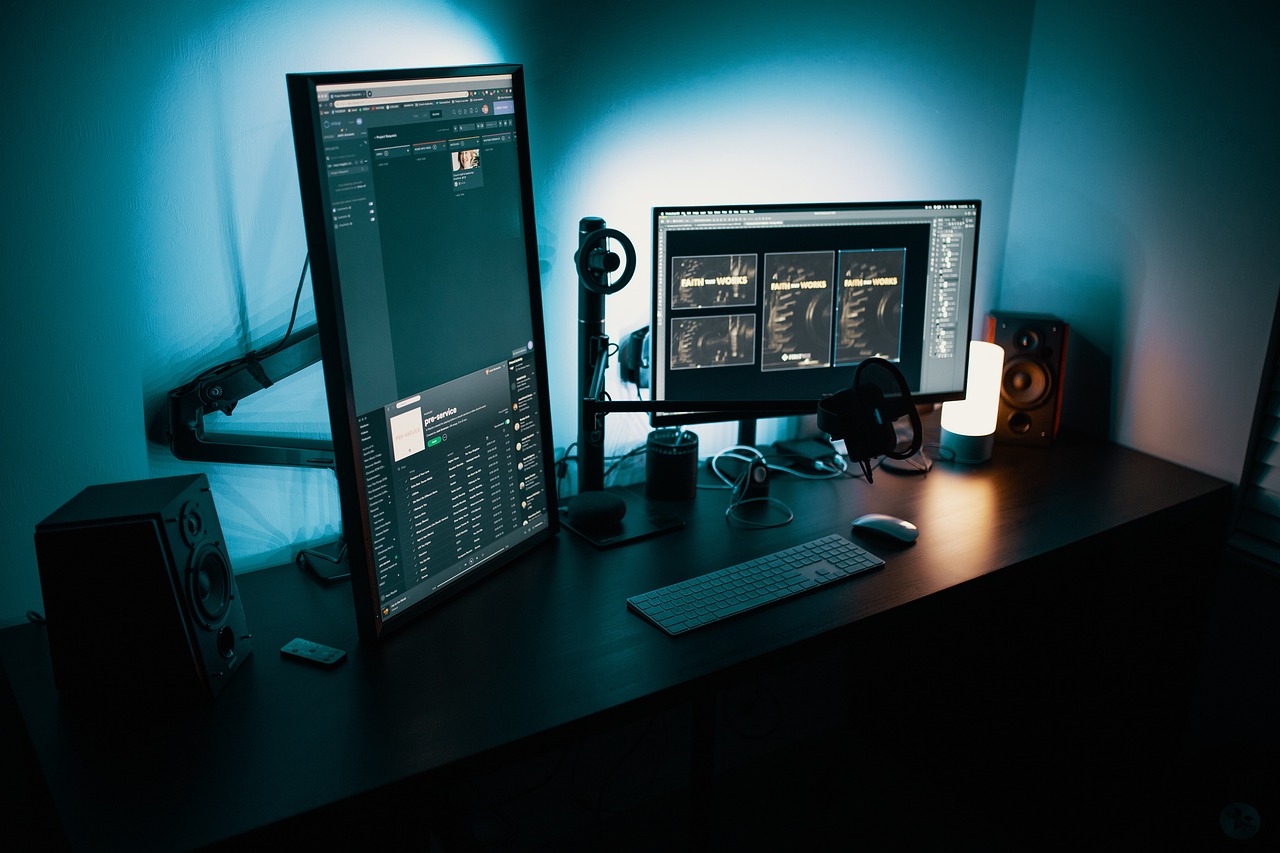
Your hardware is only as good as the interface through which you view it. Investing in high-refresh-rate monitors (144Hz+) and color-accurate panels (IPS or OLED) ensures you are seeing the full potential of your workstation.
Thermal Management and Power Efficiency
Hardware longevity is largely determined by how well it is cooled and how stable the power supply is. Neglecting these areas is a common mistake that leads to premature component failure.
Cooling Solutions
Heat is the enemy of performance. Effective cooling includes:
- Air Cooling: Cost-effective and reliable for standard builds.
- Liquid Cooling (AIO): Better for high-performance CPUs that generate significant heat during heavy workloads.
Power Supply Units (PSU)
Always choose a PSU with an 80 Plus Gold or Platinum rating. This signifies energy efficiency and stable power delivery, which protects your expensive components from electrical surges and drops.
Future-Proofing Your Investment
Technology advances rapidly, and planning for the future is the best way to extend the lifespan of your hardware. By selecting components with upgradability in mind, you avoid a complete overhaul down the road.
Motherboard Selection
The motherboard dictates your upgrade path. Look for boards with extra PCIe slots, M.2 headers, and a robust VRM (Voltage Regulator Module) to support future CPU upgrades.
Practical Tips for Upgradability
- Ensure your case has room for larger GPUs.
- Select a modular power supply with extra wattage headroom.
- Choose a motherboard that supports the latest generation of RAM (e.g., DDR5).
Conclusion
Hardware is the physical backbone of the digital world. By prioritizing the core components like the CPU and GPU, choosing the right storage solutions, and maintaining optimal temperatures, you ensure a smoother, more efficient computing experience. Whether you are assembling a custom workstation or upgrading an existing setup, understanding the interplay between these components allows you to make strategic decisions. Remember, the best hardware strategy balances performance needs with long-term reliability. Invest wisely, keep your components clean, and stay updated on the latest technological advancements to maintain a cutting-edge workstation.