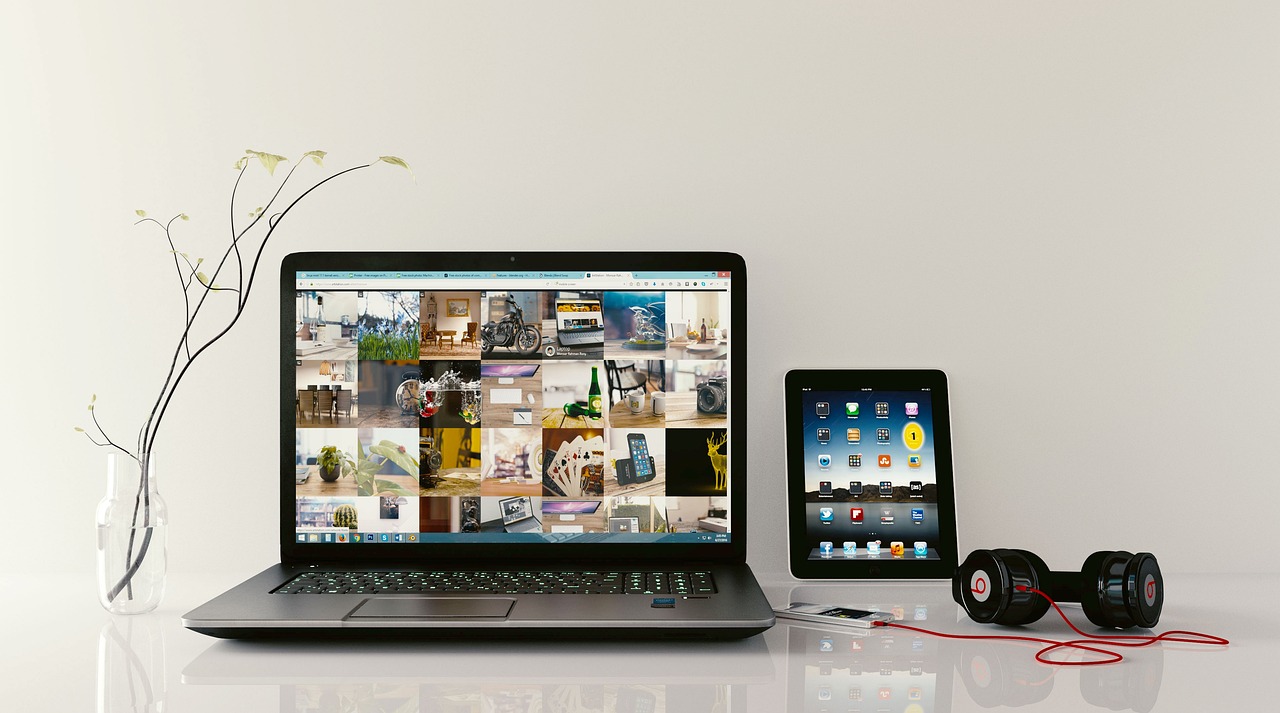
In today’s fast-paced digital landscape, the laptop has evolved from a luxury accessory into an essential tool for productivity, creativity, and connectivity. Whether you are a student pulling all-nighters, a professional managing complex workflows, or a creative freelancer editing high-resolution video, choosing the right machine is critical. With an overwhelming array of brands, specifications, and form factors on the market, navigating the selection process can be daunting. This guide is designed to help you decode the complexities of modern portable computing and find the perfect device to meet your unique needs.
Understanding Your Performance Requirements
Identifying Your User Profile
Before diving into technical specifications, it is vital to identify your primary use case. Not every user requires a top-tier processor or a dedicated graphics card.
- The Casual User: Focuses on web browsing, media streaming, and basic word processing.
- The Student: Needs a balance of portability, long battery life, and durability for campus life.
- The Creative Professional: Requires high-performance CPUs, color-accurate displays, and robust RAM for editing and rendering.
- The Gamer: Prioritizes refresh rates, cooling systems, and dedicated GPU performance.
The Importance of the Processor (CPU)
The processor acts as the “brain” of your laptop. Intel Core and AMD Ryzen series are the industry standards. For instance, an Intel Core i5 or Ryzen 5 is typically sufficient for most business and personal tasks, while i7/i9 or Ryzen 7/9 processors are necessary for intensive multitasking and professional creative software.
Navigating Display and Design
Display Technology and Resolution
The display is your primary interface with your machine. Whether you opt for a sleek Ultrabook or a workstation, consider these factors:
- Resolution: Aim for a minimum of 1920×1080 (Full HD). For creative work, 4K or OLED panels provide superior color reproduction.
- Refresh Rate: Standard laptops operate at 60Hz. Gamers should look for 120Hz or 144Hz panels to ensure smooth motion.
- Brightness: Measured in nits; 300–400 nits is excellent for indoor office use, while 500+ nits is better for outdoor visibility.
Portability vs. Build Quality
If you are constantly on the move, weight and chassis material matter. Aluminum unibody designs offer premium durability, while carbon-fiber composites provide a lightweight alternative. A good rule of thumb is to keep your device under 3 lbs if you plan to carry it in a backpack daily.
Memory, Storage, and Expandability
RAM: The Multitasking Engine
Random Access Memory (RAM) determines how many applications you can run simultaneously without performance degradation.
- 8GB: The absolute minimum for modern operating systems like Windows 11 or macOS.
- 16GB: The “sweet spot” for most users and professionals.
- 32GB+: Necessary for heavy video editing, 3D rendering, or running virtual machines.
The Storage Advantage: SSD vs. HDD
Avoid Hard Disk Drives (HDD) for your primary OS drive. Solid State Drives (SSD) are significantly faster, quieter, and more resistant to physical shock. Ensure your laptop uses an NVMe PCIe SSD, which offers the fastest read/write speeds available.
Connectivity and Battery Life
Ports and External Expansion
Don’t get caught in a “dongle hell” scenario. Assess the peripheral requirements of your workflow:
- Thunderbolt 4 / USB-C: Essential for high-speed data transfer and single-cable docking solutions.
- HDMI 2.1: Useful for connecting directly to external monitors or projectors without adapters.
- SD Card Slots: A must-have for photographers and content creators.
Managing Battery Longevity
While manufacturers often advertise 15+ hours of battery life, these are usually lab results under light loads. Practical advice: look for reviews that perform “real-world” web browsing tests. Additionally, look for “Fast Charge” capabilities, which can often recover 50% of your battery in under 30 minutes.
Conclusion
Investing in a laptop is a significant decision that impacts your daily efficiency and digital experience. By focusing on your specific user needs—balancing CPU power with sufficient RAM and choosing a display that suits your environment—you can make an informed purchase that lasts for years. Remember that while specs are crucial, ergonomics, keyboard feel, and build quality are equally important for long-term satisfaction. Take the time to visit a retailer to feel the device in your hands, or review detailed performance benchmarks online to ensure that your chosen model aligns with your lifestyle and professional goals.