In an era defined by rapid digital transformation, hardware remains the literal foundation upon which our virtual lives are built. Whether you are a creative professional pushing the boundaries of high-end rendering, a gamer seeking the ultimate frame rate, or a business owner managing corporate infrastructure, understanding the intricacies of hardware is no longer just for technicians—it is a necessity for performance. From the microscopic architecture of CPUs to the sprawling capacity of enterprise-grade storage, the right hardware choices directly dictate the efficiency, reliability, and future-readiness of your computing environment.
Understanding the Core Components of Performance
At the heart of any computing device lies a symphony of hardware components working in tandem. Achieving optimal performance requires a balanced approach to selecting each piece of the puzzle to avoid bottlenecks.
The Processor (CPU)
The Central Processing Unit serves as the “brain” of the computer. Modern processors have moved beyond pure clock speed, focusing instead on core counts and threading capabilities.
- Multi-threading: Essential for multitasking and heavy workloads like video editing.
- Cache Size: Larger L3 caches significantly improve performance in gaming and complex data processing.
- Thermal Management: Higher-performing chips require robust cooling solutions to prevent “throttling.”
Memory (RAM) and Storage (SSD vs. HDD)
Memory acts as the immediate workspace for your data, while storage acts as the long-term filing cabinet. The shift from mechanical hard drives to NVMe Solid State Drives has revolutionized system responsiveness, reducing boot times from minutes to seconds.
Actionable Tip: For most professional users, 16GB of RAM is the current floor, while 32GB is recommended for smooth creative workflows.
The Role of Graphics Hardware
Graphics hardware has transcended its origins in gaming to become a critical asset for data science, artificial intelligence, and digital content creation.
Dedicated vs. Integrated Graphics
Integrated graphics are built into the CPU and are perfect for general office tasks, but dedicated GPUs are non-negotiable for specialized workflows.
- Rendering Power: Dedicated GPUs utilize thousands of cores to process parallel tasks simultaneously.
- VRAM: Higher video memory allows for the loading of complex 3D textures and high-resolution assets.
- AI Acceleration: Modern GPUs feature Tensor cores specifically designed to accelerate machine learning models.
Networking and Peripheral Hardware
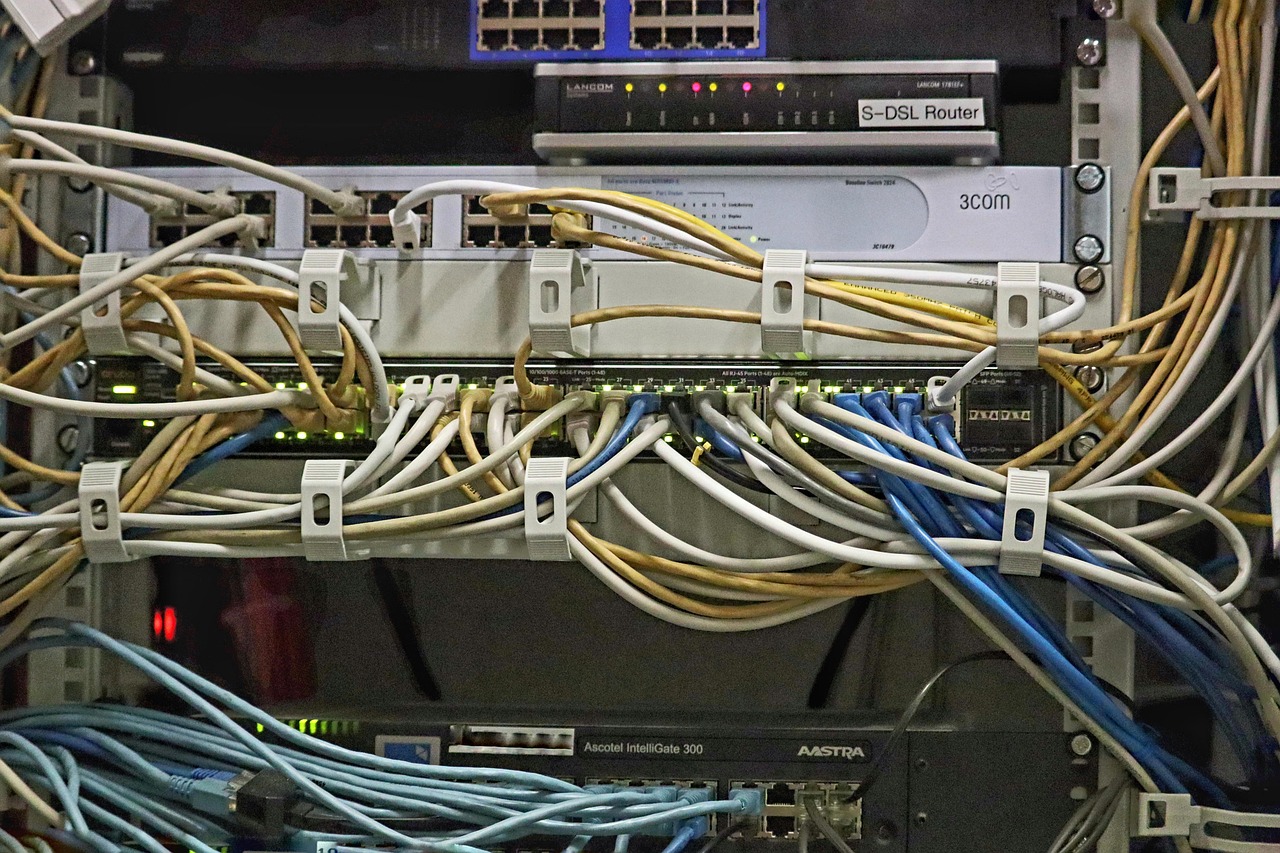
The hardware inside your machine is only as good as its ability to communicate. External and network-based hardware often define the user experience more than the internal specs themselves.
High-Speed Connectivity
Investing in the right networking hardware can eliminate latency, which is critical for cloud-based applications and remote collaboration.
- Wi-Fi 6E/7: Offers lower latency and better stability in crowded environments.
- 10GbE Switches: Necessary for creative teams transferring large media files over a local area network.
Input/Output (I/O) Ecosystems
Ergonomics and connectivity options—such as Thunderbolt 4 ports—allow you to daisy-chain multiple 4K monitors and high-speed drives, creating a unified workstation that maximizes productivity.
Maintaining Hardware Lifecycle and Sustainability
Hardware degradation is inevitable, but strategic management can extend the lifespan of your investments, providing a better return on investment (ROI).
Preventive Maintenance Strategies
Taking care of your physical components ensures they operate at peak efficiency for years.
- Regular Dust Removal: Compressed air prevents thermal buildup that leads to component failure.
- Thermal Paste Replacement: Over time, thermal compound dries out; replacing it every 3–4 years can drop CPU temperatures significantly.
- Firmware Updates: Keeping BIOS/UEFI and driver software updated is vital for security and hardware optimization.
Future Trends in Hardware
The hardware landscape is shifting toward extreme efficiency and specialized architecture. We are moving away from general-purpose computing toward domain-specific hardware.
Key Industry Shifts
- ARM Architecture: Challenging traditional x86 processors with superior power-to-performance ratios.
- NPU Integration: Neural Processing Units (NPUs) are now standard in modern laptops to handle local AI tasks, offloading work from the CPU/GPU.
- Sustainable Materials: Manufacturers are increasingly utilizing recycled plastics and modular designs to reduce electronic waste.
Conclusion
Navigating the world of hardware can be daunting, but by focusing on the core components—CPU, RAM, storage, and graphics—you can build a system that meets your specific needs. Remember that hardware is not just a collection of parts; it is an ecosystem that requires balance, maintenance, and intentional selection. By staying informed on current trends like NPU integration and modular design, you can ensure that your hardware investments remain relevant and powerful for years to come. Whether you are upgrading an existing rig or building from the ground up, prioritize quality components that offer the scalability necessary to handle the demands of tomorrow.